
CalGenie Tutorial - Step 4
Home
Step
1
2
3
4
Print it out
Use the All Preview Page (
) to display all pages of your calendar

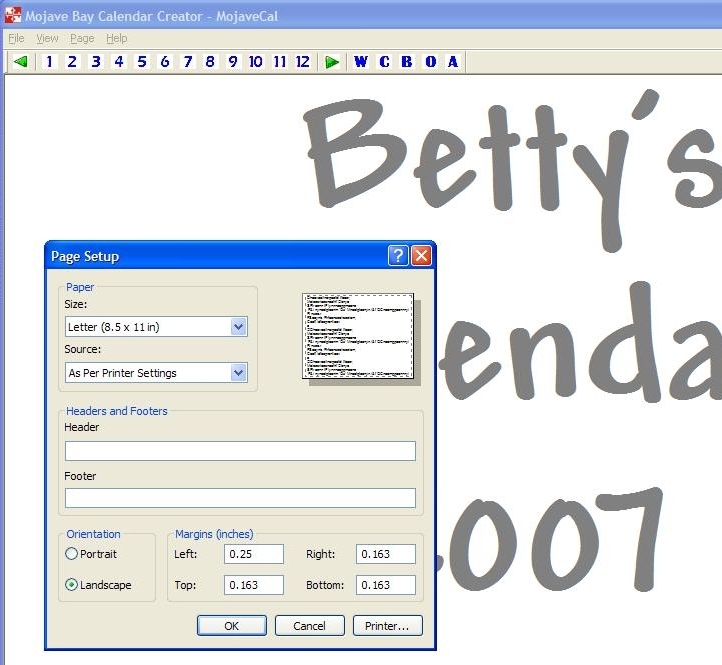
Once you are satisfied with all of your pictures and events, use File -> Page Setup to define the margins for your calendar.
Don't forget to select landscape mode (and not portrait)
Select your printer
Print the pages